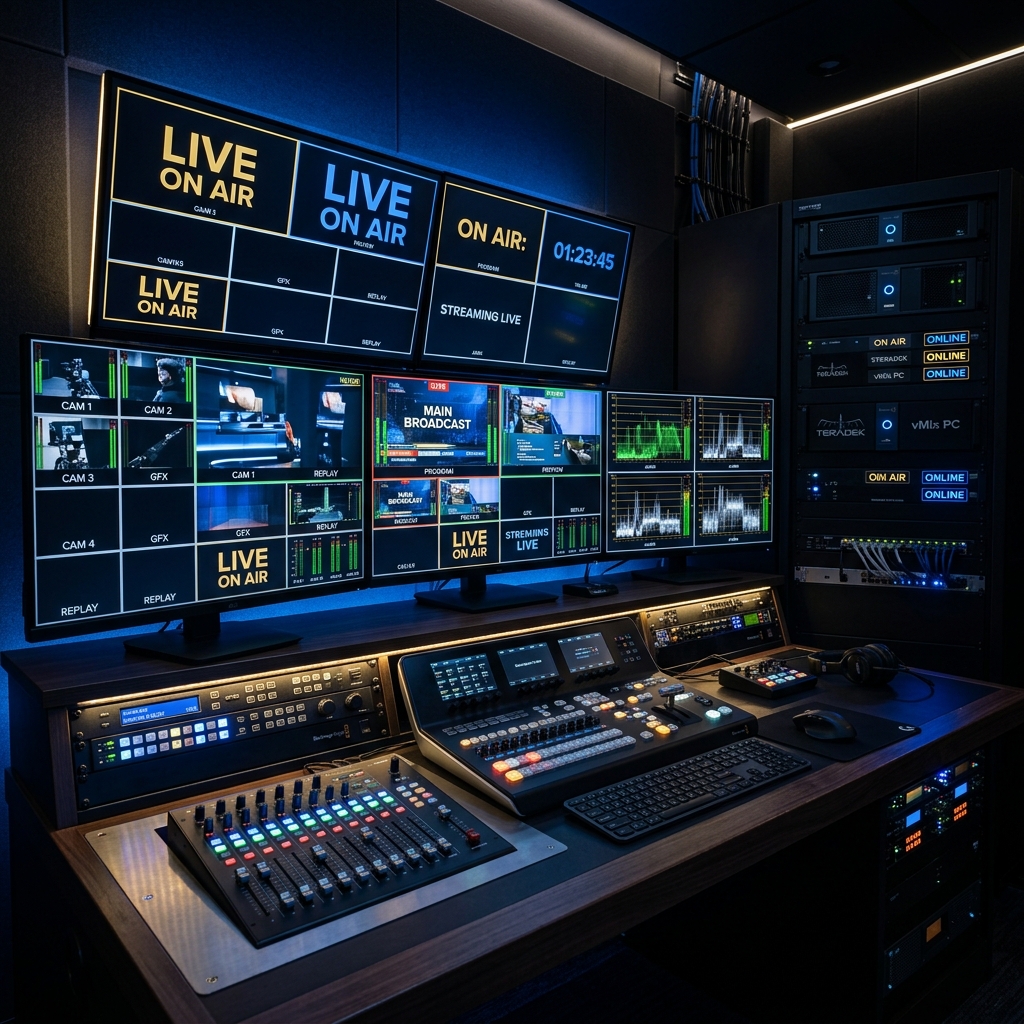
In the digital age, a government event that is not live streamed has not fully happened. This guide covers everything your department needs to know about professional live streaming production.
From a ministerial press conference to a national award ceremony, from a state government scheme launch to a PM-level address — live streaming has become an essential layer of government event communication. Yet many government departments still approach live streaming as an afterthought, deploying a single smartphone on a tripod and hoping the internet connection holds.
Professional live streaming is a full production discipline, and this guide gives you the framework to plan it properly.
Phase 1: Pre-Event Production Planning
Platform selection: Choose platforms based on your audience. YouTube Live for maximum reach, Facebook Live for community engagement, custom government portals for protocol compliance. APRIX Global typically streams to all three simultaneously using professional encoding software.
Bandwidth assessment: Visit the venue at least 48 hours before the event to test internet speeds. For professional live streaming, you need a minimum of 10 Mbps upload speed with redundancy. We use 4G bonding devices (Peplink, LiveU) to aggregate multiple SIM connections as backup.
Camera plan: Determine the number of cameras based on the event. A standard government press conference needs a minimum of 3 cameras — wide shot, medium shot, close-up of speaker — plus B-roll capability. Major events benefit from a jib or slider for production value.
"The difference between a professional government live stream and an amateur one is visible in the first 30 seconds. Audio quality, graphics, and camera stability tell the audience whether the event deserves their attention."
Phase 2: Technical Setup
Audio: Audio is more important than video. Use a combination of podium microphone, lavalier microphone on the primary speaker, and shotgun microphone as backup. All audio should run through a professional mixer before entering the encoding chain. There is no recovery from poor audio — do not compromise here.
Graphics package: Live streams without lower-third graphics look unfinished. Pre-prepare name plates, title cards, department logos, and the event banner. Use professional broadcast software (vMix, OBS with Streamlabs, or Wirecast) for graphics overlay.
Encoding: Stream at H.264, 4500–6000 kbps bitrate for 1080p. Use hardware encoders (AJA HELO, Magewell) for reliability at critical government events.
Phase 3: Day-of-Event Protocol
Arrive at least 3 hours before the event for setup and testing. Conduct a full technical rehearsal with the venue's AV team. Test every platform simultaneously. Assign a dedicated stream monitor whose only job is to watch the live output throughout the event. Prepare contingency protocols for internet failure, power failure, and equipment failure — all three happen at real government events.
Phase 4: Post-Event Archiving
The live stream is just the beginning of its value. Archive the full recording in 1080p, create edited highlights for social media (2–5 minutes), extract key statements as short clips for WhatsApp and Instagram, and ensure the video is correctly titled, described, and tagged on all platforms for discoverability.
Plan Your Government Live Stream
APRIX Global provides end-to-end live streaming production for government events across India. Contact us at least 2 weeks before your event for best results.
Get a Live Stream Quote
20+ years in broadcast television and event production. APRIX Global has delivered live streaming for government and corporate events across India.